Ready when you are.
AL0 for iPhone and iPad is on the App Store, with the Apple Watch app included. AL0 for Mac is a direct download from al0.io.
Download AL0View on InstagramShort notes on what AL0 remembers, how Lock In works on iPhone, and why your history stays on your devices. Every post, with its caption.
AL0 for iPhone and iPad is on the App Store, with the Apple Watch app included. AL0 for Mac is a direct download from al0.io.
Download AL0View on Instagram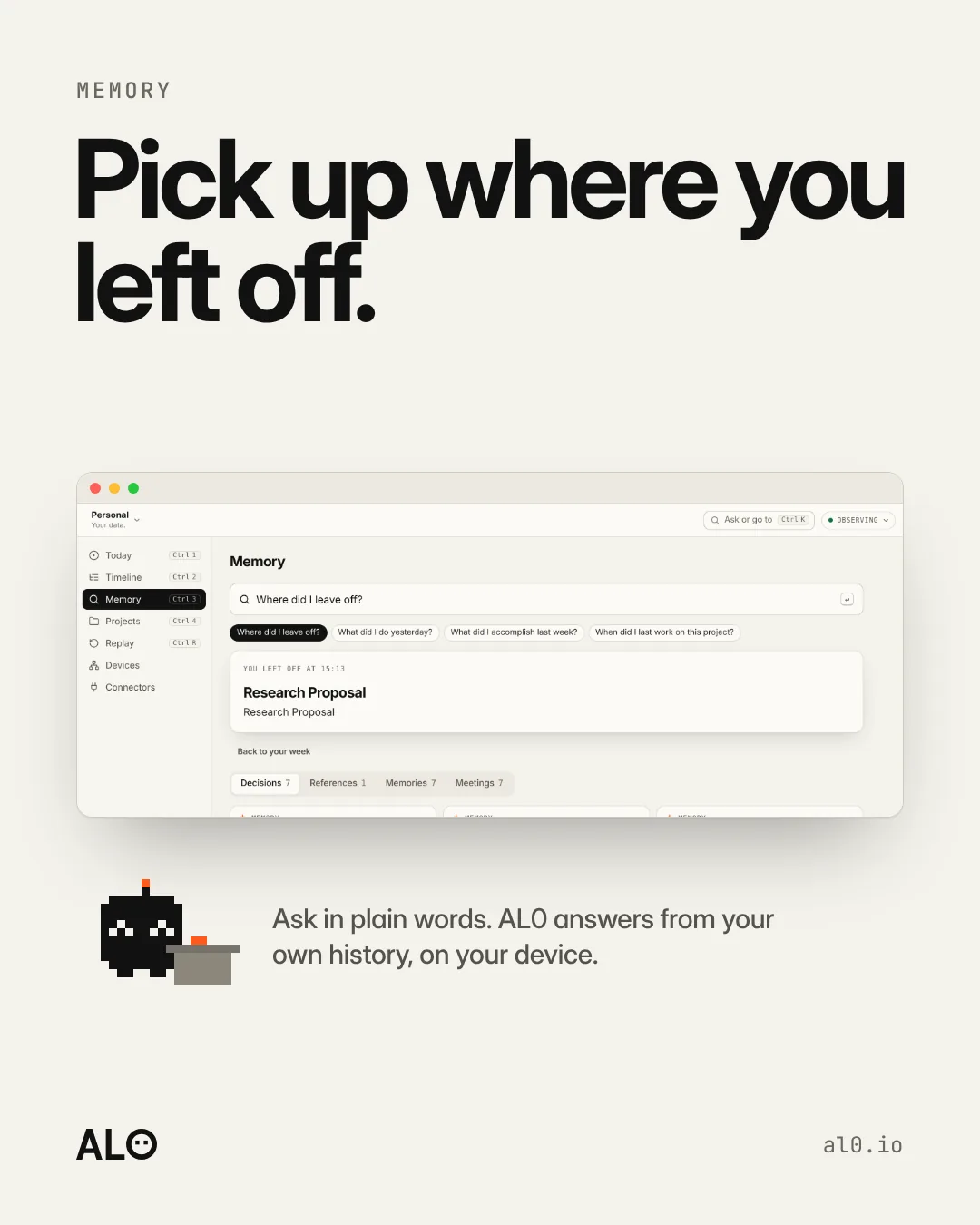
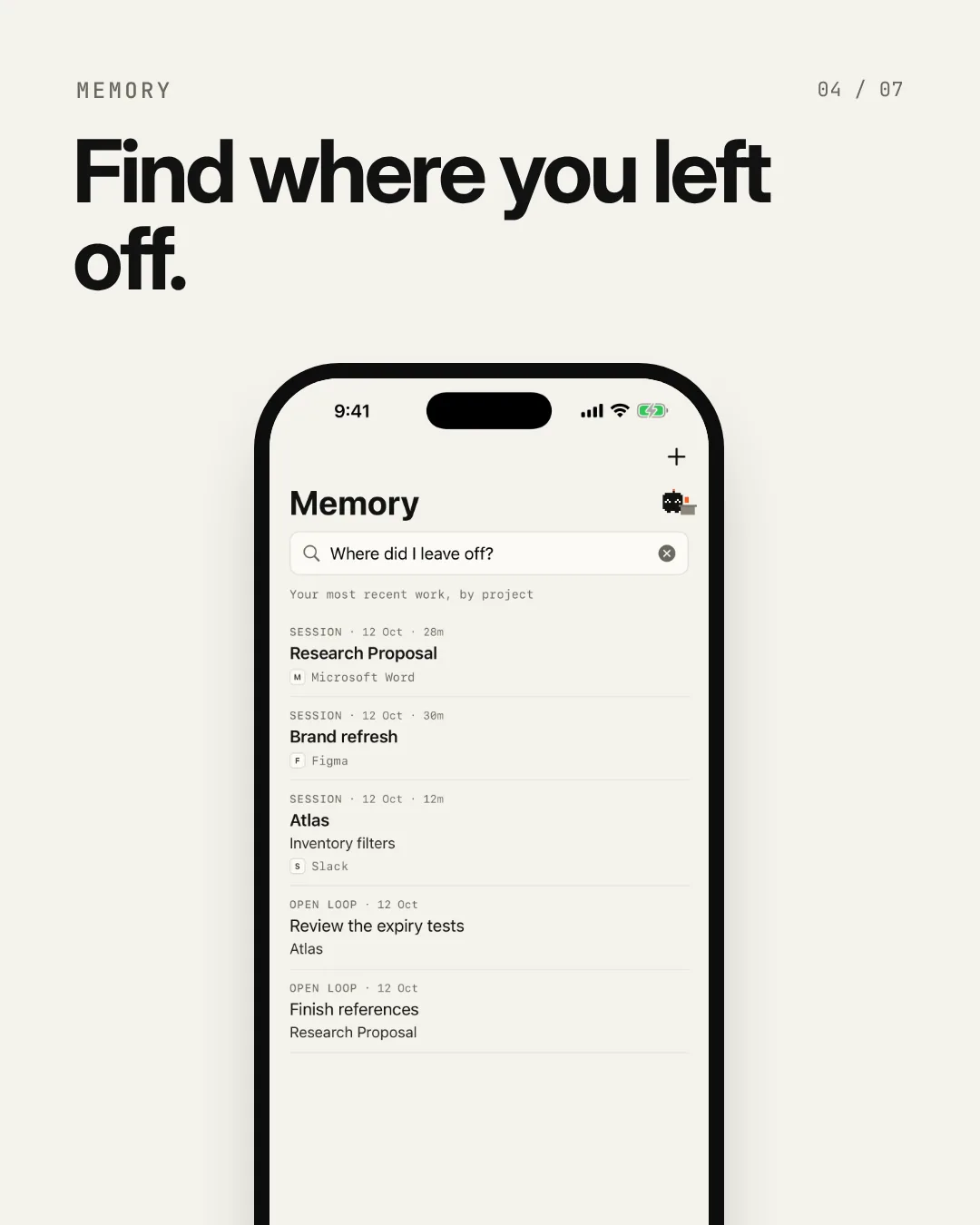
Ask AL0 in plain words. It answers from your own history, on your device: the project, the last thing you touched and what was still open.
How Memory worksView on Instagram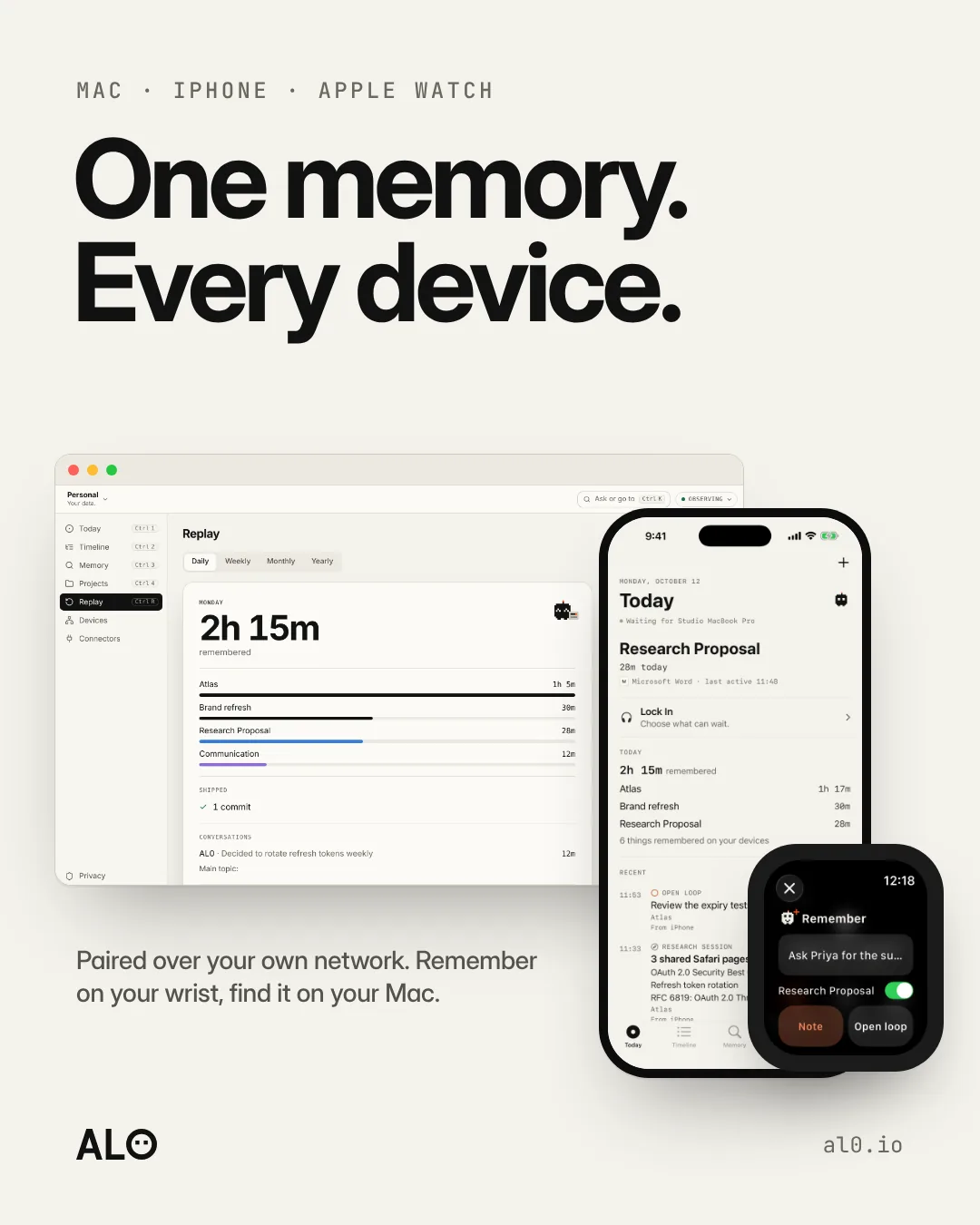
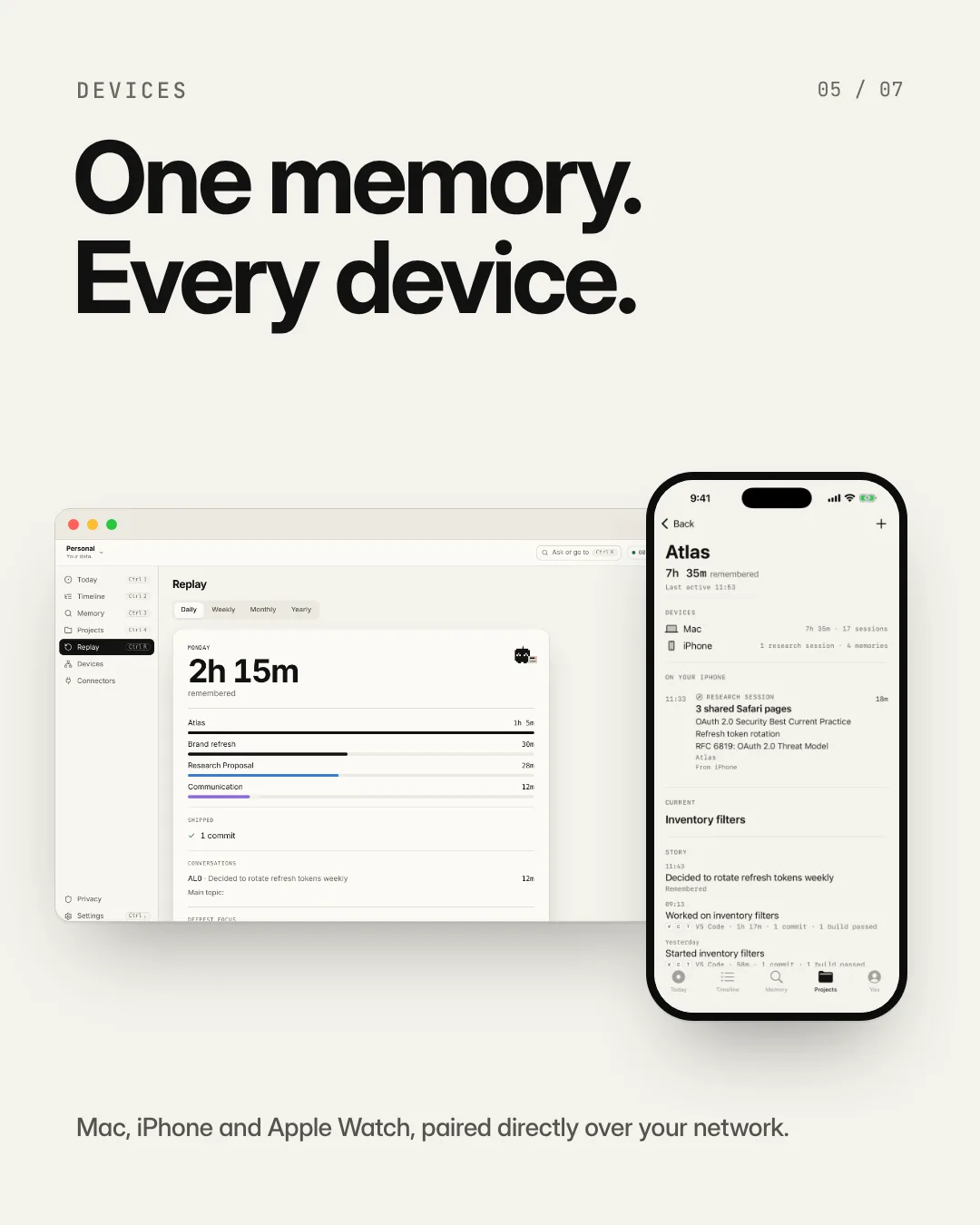
Remember something on your wrist, find it on your Mac. Your Apple Watch hands memories to your iPhone, and your iPhone and Mac sync directly over your own network, with no AL0 cloud in the middle.
AL0 on every deviceView on Instagram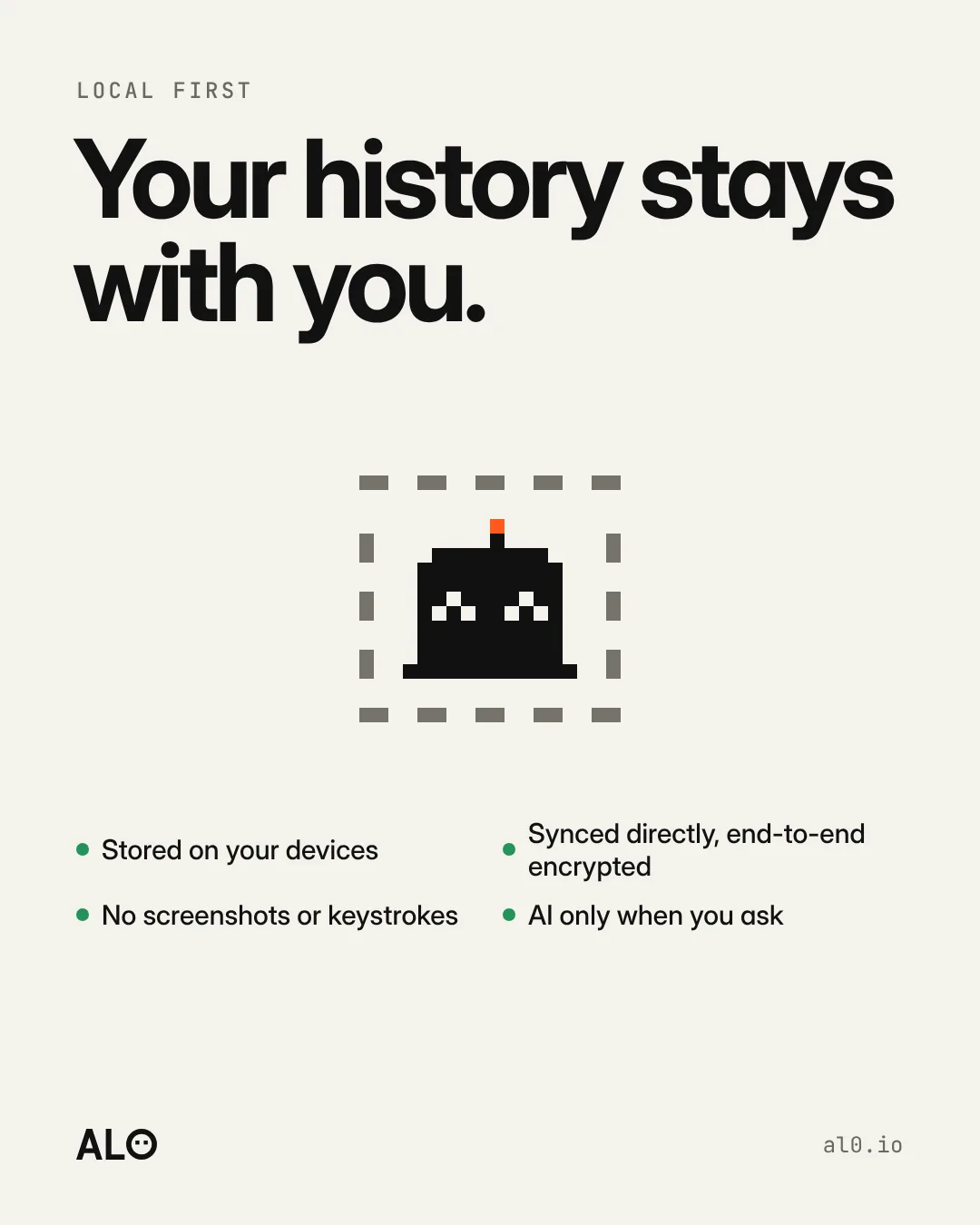
AL0 stores your memory on your devices. It doesn't take screenshots or record keystrokes. Your devices sync directly with each other, end-to-end encrypted. AI only runs when you ask it to.
What AL0 seesView on Instagram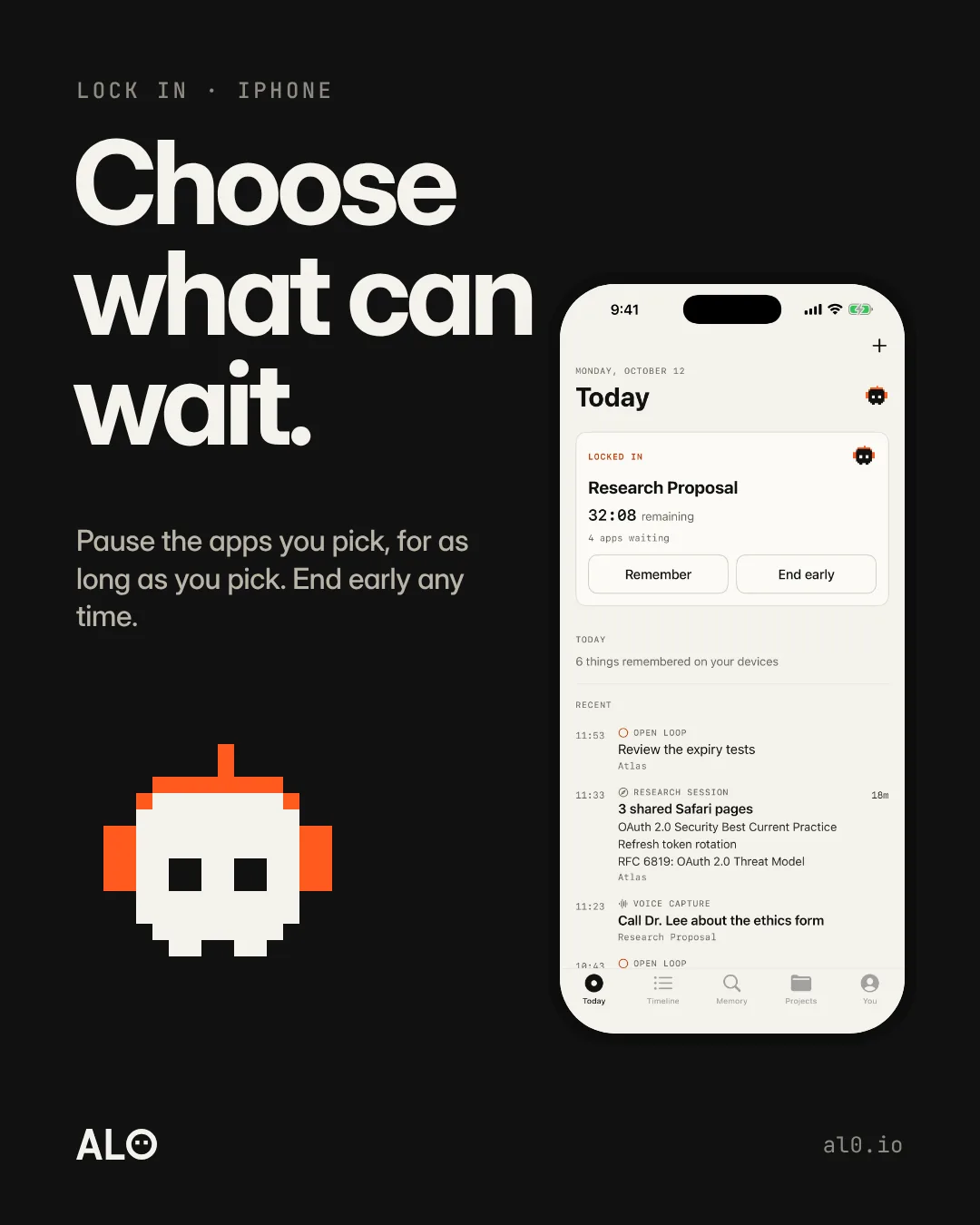
Lock In on iPhone pauses the apps you pick, for as long as you pick, using Apple's Screen Time. Alo puts its headphones on. End early whenever you need to.
Lock In on iPhoneView on Instagram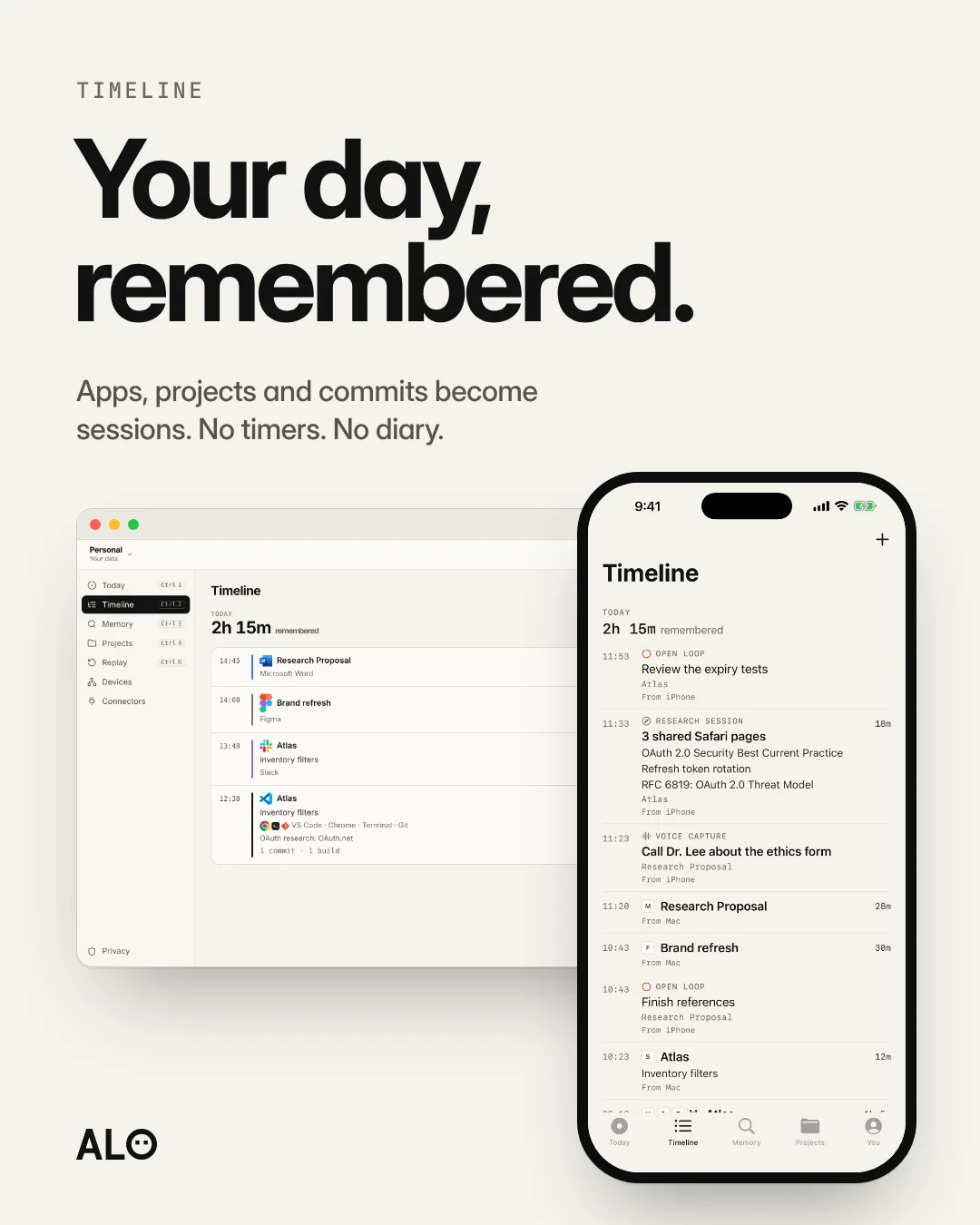
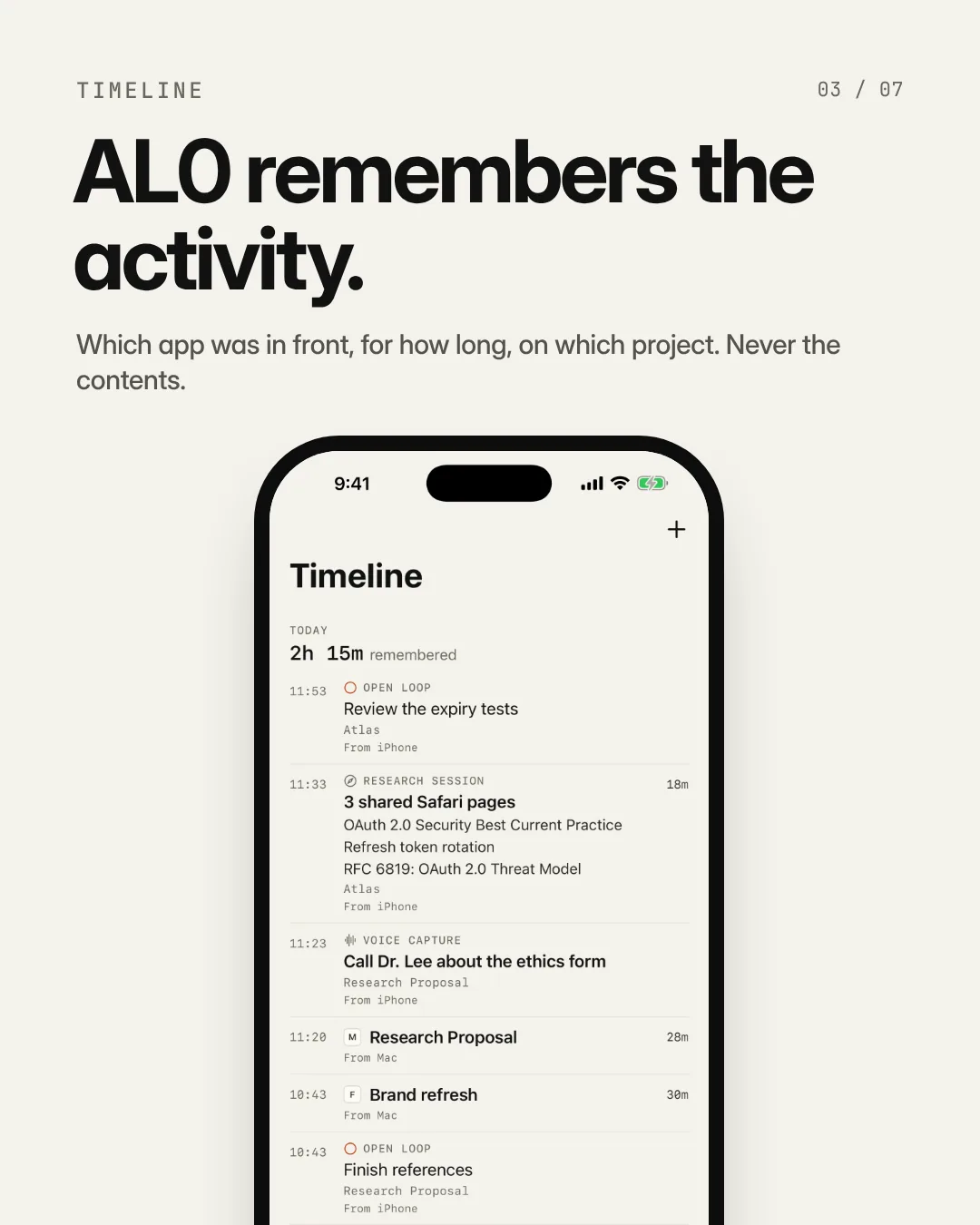
AL0's Timeline groups what you did into sessions: the apps, projects and commits behind each one. You don't start anything. At the end of the day it's there, on your Mac and on your iPhone.
Try the TimelineView on Instagram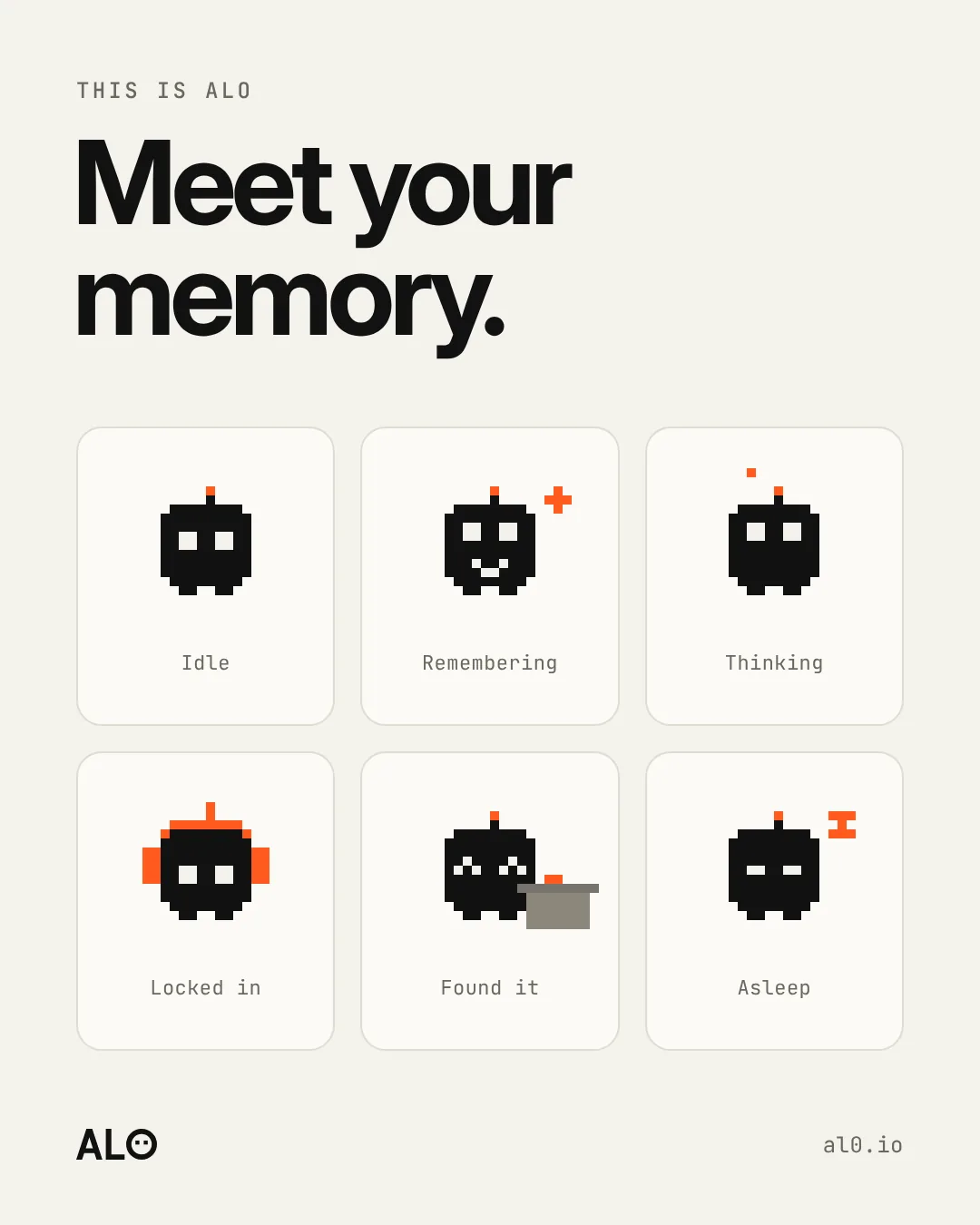
Alo lives in AL0 and shows what it's doing: watching quietly, remembering, thinking, locked in, finding something, asleep when you are. Every state is drawn on the same 16 by 16 grid.
Meet AloView on Instagram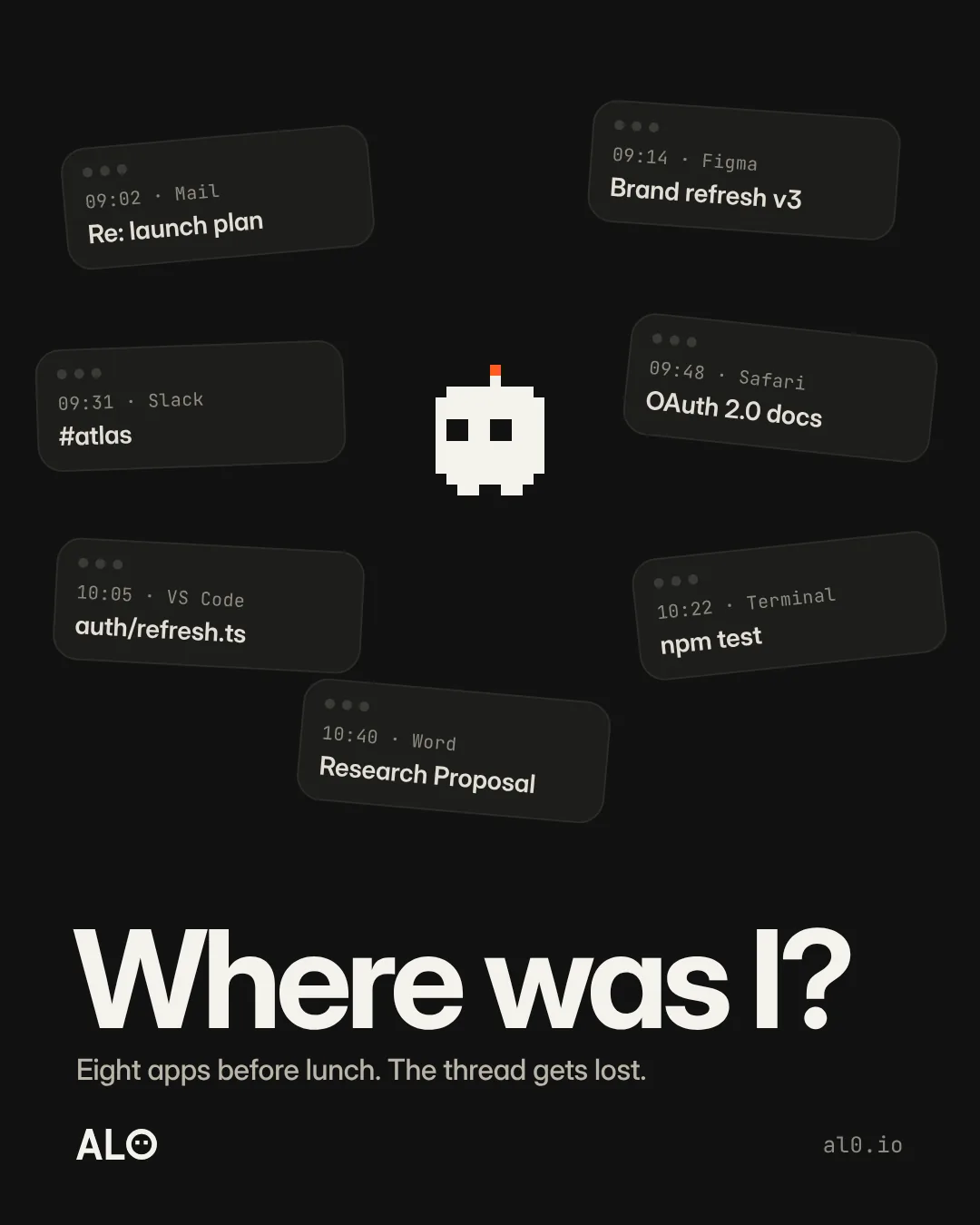
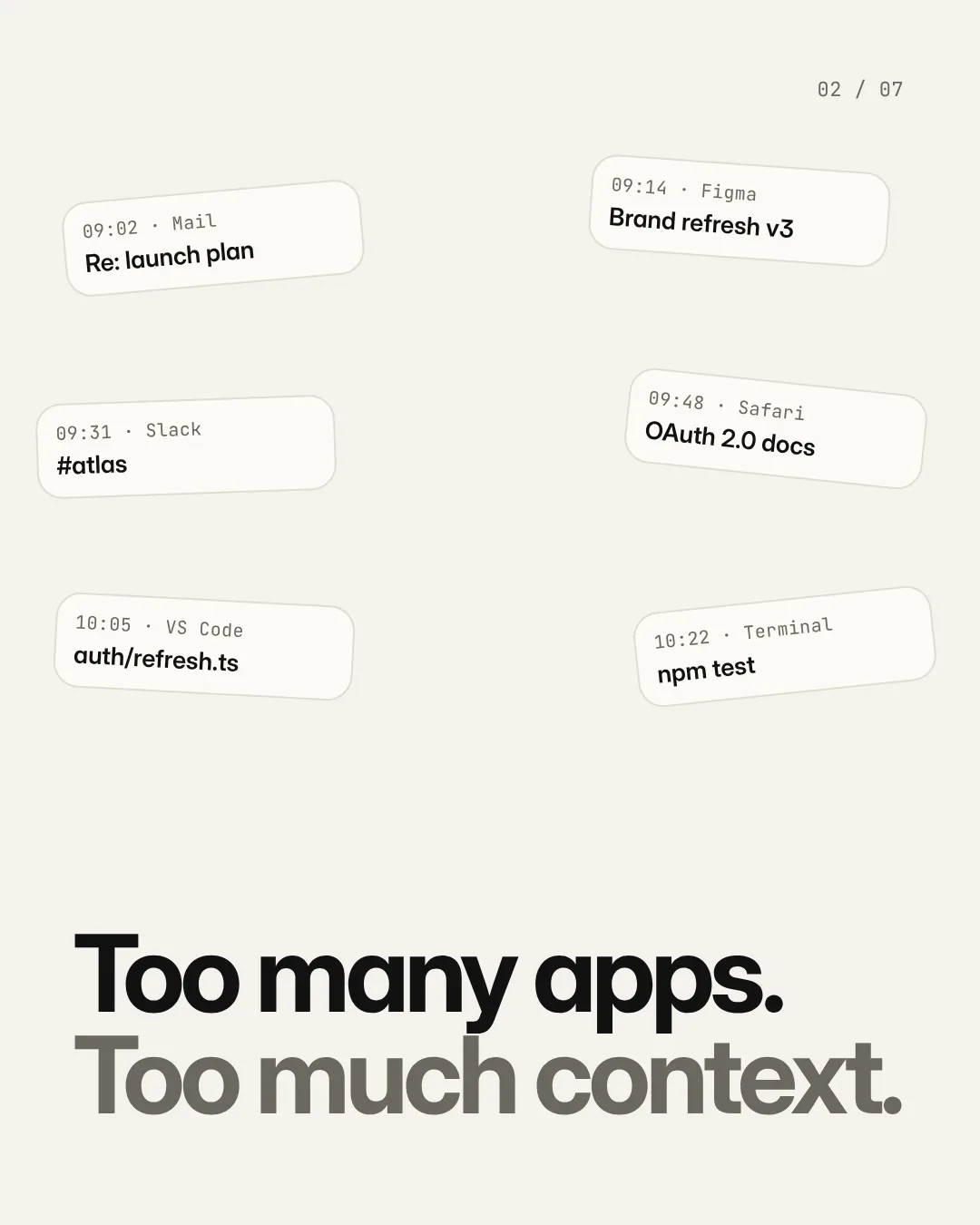
Mail, Figma, Slack, a browser tab, the editor, the terminal, a document, a note to yourself. By eleven the thread is gone. AL0 keeps it: what you were working on, where you left it, and what's still open.
How AL0 worksView on Instagram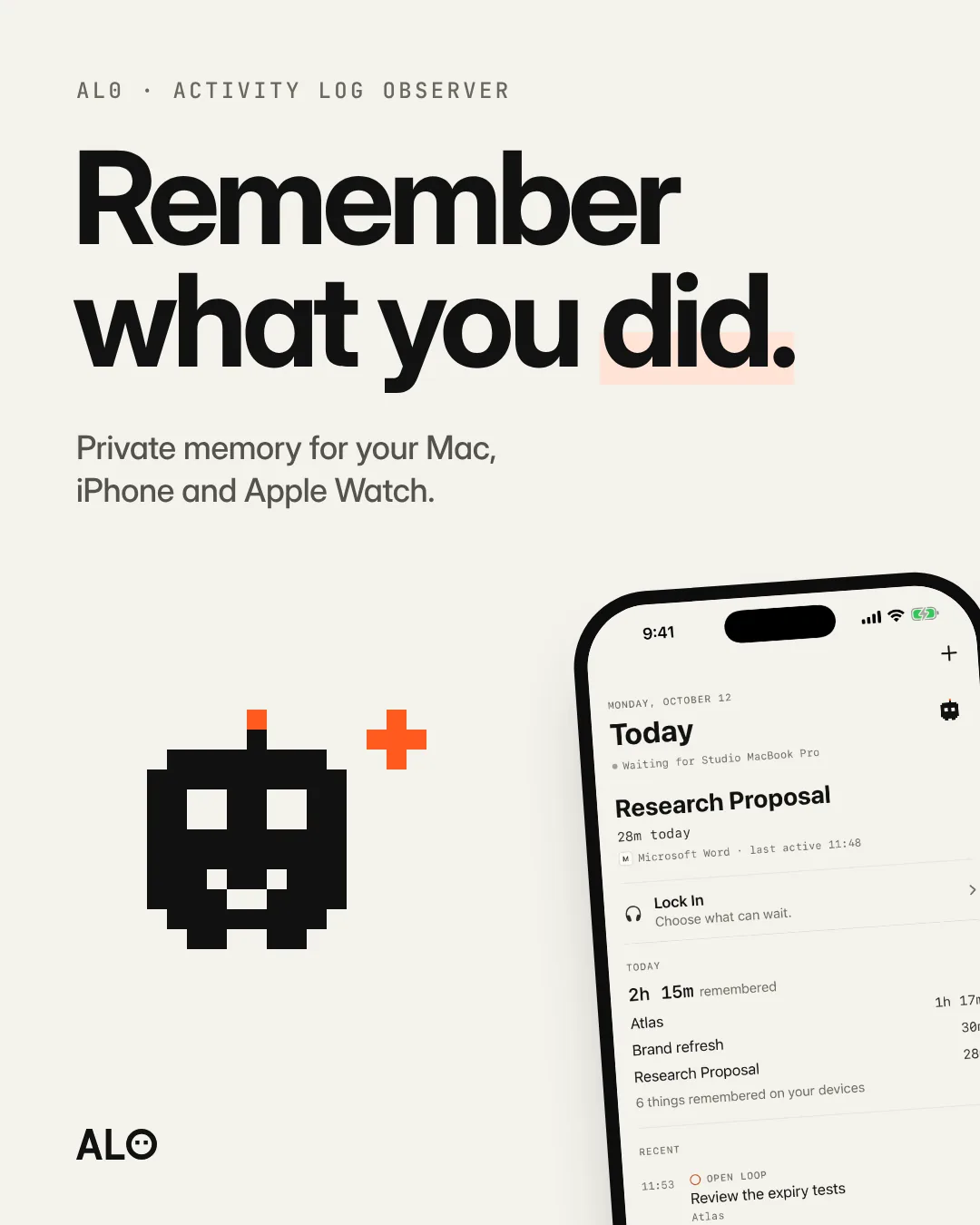
AL0 is a private memory of your work. It notices which app you're in, for how long and on which project, and turns it into a day you can look back on. No timers to start. No diary to keep.
About AL0View on InstagramToo many apps, too much context. AL0 remembers the activity: which app was in front, for how long, on which project. Never the contents. Ask where you left off, on Mac, iPhone and Apple Watch, stored on your devices.
View the carousel on Instagram